 AV ALL IN
In a classroom or lecture hall, the AV system succeeds when the student in the last row sees the content and hears the lecturer as well as the student in the first row. This guide covers displays and projection, voice reinforcement, lecture capture and the room acoustics that decide whether any of it works.
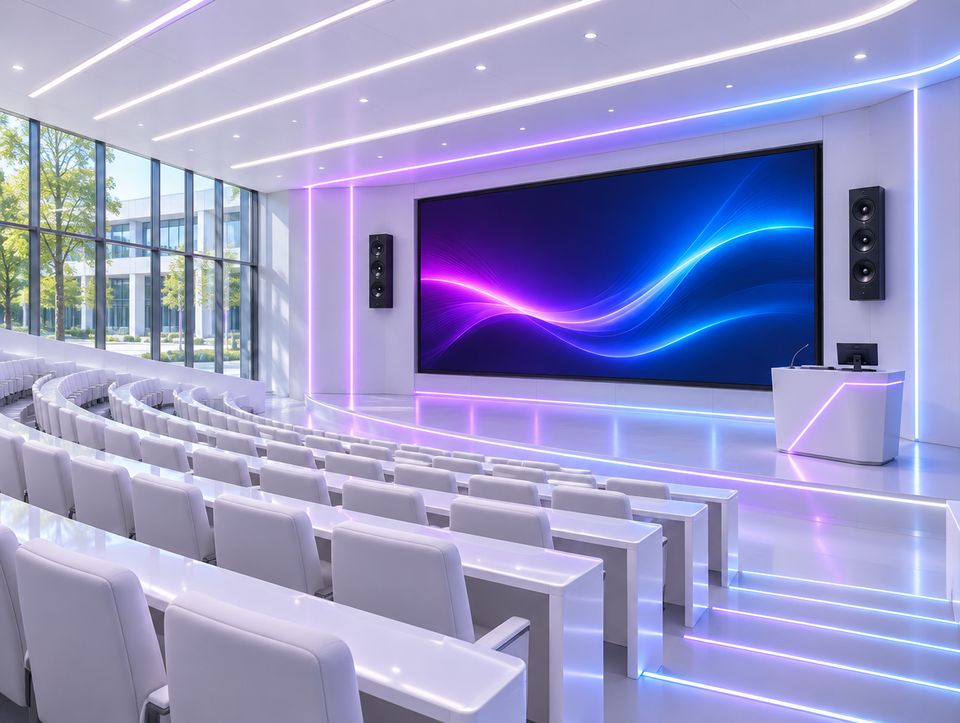
Three kinds of teaching room
| Room | Typical size | What it usually needs |
|---|---|---|
| Classroom | Up to about 40 students | An interactive flat panel, a pair of speakers or ceiling speakers, a simple wall controller |
| Lecture hall | 40 to 200 seats | A laser projector and a large screen, or dual displays, a wireless microphone, ceiling speakers, a PTZ camera, a touch panel |
| Auditorium | More than 200 seats | A large projection screen or LED wall, a full speaker system with DSP, several microphones, stage lighting, recording and streaming |
What the system includes
| Part | What it does |
|---|---|
| Interactive flat panel | A touch display the teacher writes on, for classrooms. Common sizes are 65, 75 and 86 inches. |
| Projector and screen | The practical way to get a large image in a hall. Laser projectors hold their brightness for many years and need no lamp changes. |
| Lecturer microphone | A lavalier or headworn wireless microphone that leaves the hands free and keeps the level steady as the lecturer moves. |
| Speakers | Ceiling speakers spread speech evenly so nobody sits next to a loud speaker or far from a quiet one. |
| Camera and capture | A PTZ camera that follows the lecturer, with recording and streaming for hybrid classes. |
| Document camera | Shows a book, an experiment or handwriting on the main screen. |
| Control | One panel with clear buttons such as Start lesson, Laptop and Off, so every lecturer can use the room without training. |
How to size each part
- Image size: the furthest student should sit no further than about six times the height of the image, and four times where students read fine detail such as code or formulas.
- Projector brightness: a room with the lights on needs a much brighter projector than a dark one. Decide the screen size and the lighting first, then the lumens.
- Voice reinforcement: once a room is deeper than about 8 to 10 metres, an unamplified voice fades before the back rows, and the lecturer strains.
- Background noise: a learning room should stay at about 35 dBA or below with the air conditioning running.
- Reverberation: about 0.6 seconds or less for an ordinary classroom, and slightly more for larger rooms. Acoustic ceiling tiles do most of this work.
Common mistakes
- A screen too small for the depth of the room.
- A projector chosen by price for a room with windows and bright lights.
- Two loud speakers at the front of a long hall in place of ceiling speakers.
- A handheld microphone on a stand, so the lecturer cannot move.
- A control system that only the technician understands.
- No thought for recording or hybrid teaching until after the room is finished.
What to prepare before asking for a quotation
- Room length, width and height, and the number of seats.
- Whether the floor is flat or tiered.
- Windows and lighting, and whether the room can be darkened.
- Whether lessons are recorded or streamed.
- The number of similar rooms, so that all of them work the same way.
Questions people ask
Interactive display or projector?
Up to about 40 students, an interactive display is brighter, sharper and needs almost no maintenance. In deeper rooms the image has to be larger than any single display, so a projector with a large screen, or an LED wall, takes over.
Does a classroom need a sound system?
For the teacher’s voice, a normal classroom with good acoustics does not. Speakers are still needed for video and audio content, and voice reinforcement becomes necessary in deeper or noisier rooms.
What makes a lecture hall ready for hybrid teaching?
Three things: a camera that keeps the lecturer in frame, a microphone on the lecturer that feeds both the room speakers and the recording, and microphones that pick up questions from the audience.
This guide is also available in Arabic.